How to Remove Cat Hair From Electronics
Compressed air in short bursts, a soft brush, and cleaning gel for the keys. The trick is holding the fan still so you don't wreck it.

The fix is compressed air in short bursts, a soft brush for the surface hair, and cleaning gel for the keyboard gaps. The one rule that matters: hold the fan blades still while you blow, because spinning a fan past its rated speed is the fastest way to kill it.
This page is part of the surface-by-surface remove cat hair guide, broken out for the people whose real problem is a keyboard full of fur or a laptop fan that screams. My cats sleep on the warm laptop the second I step away, so this is a weekly thing in my house, not a hypothetical.
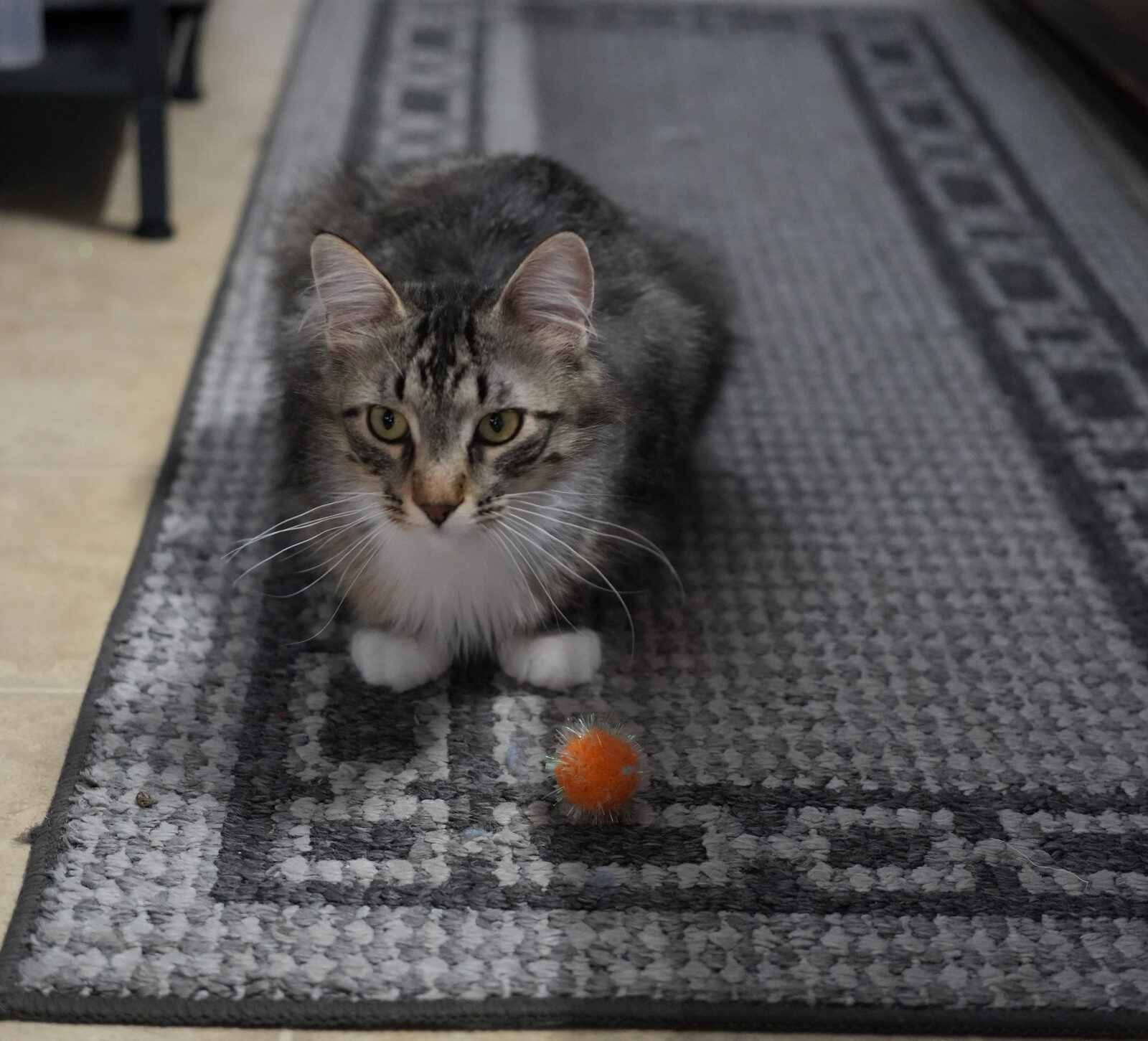
Here's why this is a real problem and not just cosmetic. A fan is an air pump. While the machine runs it pulls room air through the intake to cool the chips, and in a cat house that air is full of hair. The hair rides the airflow to the heat sink, a stack of thin metal fins, catches on the fins, and over a few months builds into a felt mat that blocks the airflow. The chip runs hot, the machine thermal throttles to protect itself, and the fan spins louder trying to compensate. The first sign is usually the noise.
Step 1
Power down, unplug, and let it cool
Shut the device all the way off and pull the plug. On a laptop, close the lid and give it a few minutes so you're not blowing hair around a hot fan that's still spinning. You want the fan dead still before you start.
Take desktops and consoles somewhere you don't mind hair flying, the garage, the porch, outside. The whole point of blowing it out is to get the hair out of the machine, and if you do it over your desk the hair just lands back on the intake. I do mine on the back step.
Step 2
Lift the surface hair with a soft brush
Before any air, run a soft brush across the keyboard, the side vents, and any intake screen. This pulls off the loose top layer so you're not blowing a whole wad of hair deeper into the machine. A clean dry makeup brush is perfect. So is a cheap detailing brush. Anti-static is a nice bonus but not required.
On a desktop, pop the side panel and brush the dust filter and the front intake mesh. That mesh is where most of the hair piles up, and it lifts off in a sheet if you catch it before it compacts. Brush it into a trash bag, not onto the floor.
Step 3
Compressed air in short bursts, fan held still
This is the step everyone gets wrong. Hold the can upright so it doesn't spit freezing liquid propellant onto the board, and use short bursts, not one long lean-on-the-trigger blast. Aim across the vent at an angle so the hair blows out the other side instead of packing in deeper.
The critical part: hold the fan blades still. Wedge a toothpick or a cotton swab against the blades so they can't spin while you blow. Compressed air can drive a fan way past its rated RPM, and overspinning it can damage the bearing or even generate enough voltage to stress the controller. Hold it still, blow the hair off the blades and the fins, done. This goes for laptop fans, desktop case fans, the CPU cooler fan, and the fan in a PS5 or Xbox.
If the hair is clearly cooked onto the heat sink fins where the air won't move it, that's the line. On a laptop it usually means opening the bottom case, and that's only worth doing if you're already comfortable in there. If you're not, a phone repair shop will clean it out for a small fee. Forcing open a laptop you don't understand is how you snap a ribbon cable, and that costs more than the cleaning.
Step 4
Cleaning gel for the keyboard gaps
Air clears the big stuff but it doesn't get the hair wedged down between the keys. That's a job for cleaning gel, the squishy putty you press down onto the keyboard and peel back up. It molds into every gap and lifts hair, crumbs, and dust out in one pull. A few dollars, lasts months, reusable until it turns grey.
Press it down onto a section of keys, let it settle into the gaps for a second, then peel it off slowly so it pulls rather than tears. Knead the trapped hair into the gel between passes and store it sealed so it doesn't dry out. It's oddly satisfying and it gets what the air leaves behind. It's the same idea as a lint roller for fabric, just shaped for the gaps between keys.
Step 5
A gentle vacuum on the grilles, never on the keys
Finish by catching the hair the air loosened. Set a vacuum to its lowest suction, fit a soft brush attachment, and run it lightly over the exterior vent grilles and the desktop dust filter. The brush head agitates the hair, the low suction carries it away, and nothing gets jammed.
What you don't do is jam a high-power vacuum nozzle against the keys or into an open laptop. The suction can pop keycaps loose, and the static a fast-moving vacuum builds can theoretically zap small components. A robot vacuum like the Dyson 360 Vis Nav running the floor on a schedule does more good here than any handheld pointed at the keyboard, because it cuts the hair in the room before the fan ever inhales it.
Want the next how-to when it goes up?
I'm working through every cat hair problem in the house. Keyboards, fans, bedding, the car. One email when there's something worth sharing, that's it.
One-tap unsubscribe in every email. See the privacy policy.
Don't bother
What to skip and what not to do
Some of the advice floating around will cost you a device. The ones I'd steer you off:
Blasting a spinning fan at full force. The single worst move. People grab the air can, hold the trigger down, and watch the fan whir like a top. That whir is the fan spinning past its design speed, and it wears the bearing or stresses the electronics. Always hold the blades still first.
A high-power vacuum straight on the keyboard. Strong suction yanks keycaps off and can build static. Low suction with a brush attachment on the outside vents only. Keys get the gel, not the vacuum.
Opening a laptop you're not comfortable opening. If the hair is cooked onto the heat sink, opening the case is the only way to reach it, but a laptop is full of ribbon cables and clips that don't forgive a slip. Comfortable in there, go for it. Not comfortable, pay a shop. Don't learn on a machine you need.
A damp cloth or any liquid inside the vents. Moisture plus a circuit board plus trapped hair is a bad mix. Keep all cleaning of the internals dry. A barely damp cloth is fine for wiping the outer shell after, never inside.
Upstream fix
Keep the hair away from the intake
The real fix is feeding the fan less hair. First, get the gear up off the floor. A desktop tower on the carpet sucks its intake air straight out of the hair zone, so I put mine on a shelf and the dust load dropped noticeably. Same logic for standing a console vertical instead of flat in the hair.
Second, brush the cats. A 5-minute pass with the EquiGroomer pulls the loose undercoat off before it can float into the air and get inhaled by every fan in the house. Less airborne hair means less on the heat sink, less on the couch, less everywhere. It's the same upstream move that helps with cat hair in the air generally.
And if a cat insists on sleeping on the warm laptop like Leo does, a folded towel over it when you walk away catches the hair the lid vents would otherwise pull in. Wash the towel, not the laptop.
The kit
Tools you actually need
The whole electronics kit is cheap, under $20 plus a vacuum you already own.
| Tool | Use it for | Cost |
|---|---|---|
| Compressed air can | Vents, fans, heat sinks (short bursts) | ~$8 |
| Soft anti-static brush | Lifting surface hair before you blow | ~$5 |
| Cleaning gel / putty | Hair wedged between keyboard keys | ~$6 |
| Vacuum + brush attachment | Exterior grilles, on lowest suction only | Already own it |
| EquiGroomer 5" | Brush the cat first, less airborne hair | $25 |
Full reviews live on the main cat hair guide. If the fan that's blowing all this hair around the room is the real culprit, the air and fans guide covers that side of it.
Frequently asked
FAQ
How do I get cat hair out of my keyboard?
Brush the surface hair off first, then use short bursts of compressed air to clear the gaps, and finish with cleaning gel pressed onto the keys to lift what's left. Don't use a high-power vacuum directly on the keys, which can pull keycaps loose or stress the switches.
Can cat hair damage a laptop?
Yes, indirectly. Hair gets pulled into the intake and cooks onto the heat sink fins, which blocks airflow and makes the laptop run hot and thermal throttle. Left long enough the fan works harder, gets louder, and wears out sooner. It won't short anything out, but it makes the machine slower and hotter.
How do I clean cat hair from a laptop fan?
Power down, hold the fan blades still with a toothpick or cotton swab, and use short bursts of compressed air across the vent at an angle to push hair out. Holding the fan still matters because compressed air can spin it past its rated speed and damage the bearing. If the hair is cooked onto the heat sink and air won't move it, that's an open-the-laptop job, and only do that if you're comfortable in there.
Why does my computer fan get so much cat hair?
A running fan is an air pump. It pulls whatever is floating nearby through the grille, and in a cat house that means hair. Desktops sitting on the floor are the worst because the intake is right in the hair zone. Raising the tower off the carpet and onto a shelf or stand cuts the intake load a lot.
Is compressed air safe for electronics?
Yes if you use it right. Keep the can upright so it doesn't spit cold liquid propellant onto the board, use short bursts instead of one long blast, and hold any fan still so you don't over-spin it. Let the device cool first and do it powered off and unplugged.
How do I keep cat hair out of my game console?
Stand it vertically off the floor, keep it out of the rooms the cats sleep in, and blow the vents out with short bursts of compressed air every couple of months. A console intake clogs the same way a desktop does, and a hair-choked PS5 or Xbox runs loud and hot.
Should I vacuum cat hair out of my laptop?
Only gently and only on the outside. A vacuum on its lowest setting with a soft brush attachment is fine for catching hair off the exterior vent grilles. Don't jam a high-power vacuum nozzle against the keys or into an open laptop, because the suction and static can pull parts loose and stress small components.
How I tested
The methodology
3-cat house, gear they sleep on
Leo, Luna, and Herbie pile onto the warm laptop the second I get up. Two are former outdoor rescues, so the hair load runs heavier than a normal indoor cat house. The laptop and the desktop under the desk are the test bench.
Real fan cleanups
Compressed air, soft brushes, cleaning gel, and a low-suction vacuum, used over and over on a loud laptop fan and a desktop intake that mats up every few months. Documented what cleared the hair and what risked the hardware.
No review units
Bought the consumables at retail like anyone would. The advice here is about technique, not gear, and the technique is the part people get wrong.
More how-tos
The rest of the house
Electronics are one corner of the problem. The full guide covers every surface: how to remove cat hair from everything. If the hair on your desk traces back to the room's airflow, the same fan that feeds your computer is also blowing cat hair around the room, and that has its own fix.
Once the gear is clean, the fabric near your desk is usually next. The couch how-to covers the chair you sit in, and the air and fans guide covers cutting the airborne hair that started all of this.